
Now for a limited time, trade in your old AED for a generous rebate toward a new unit!
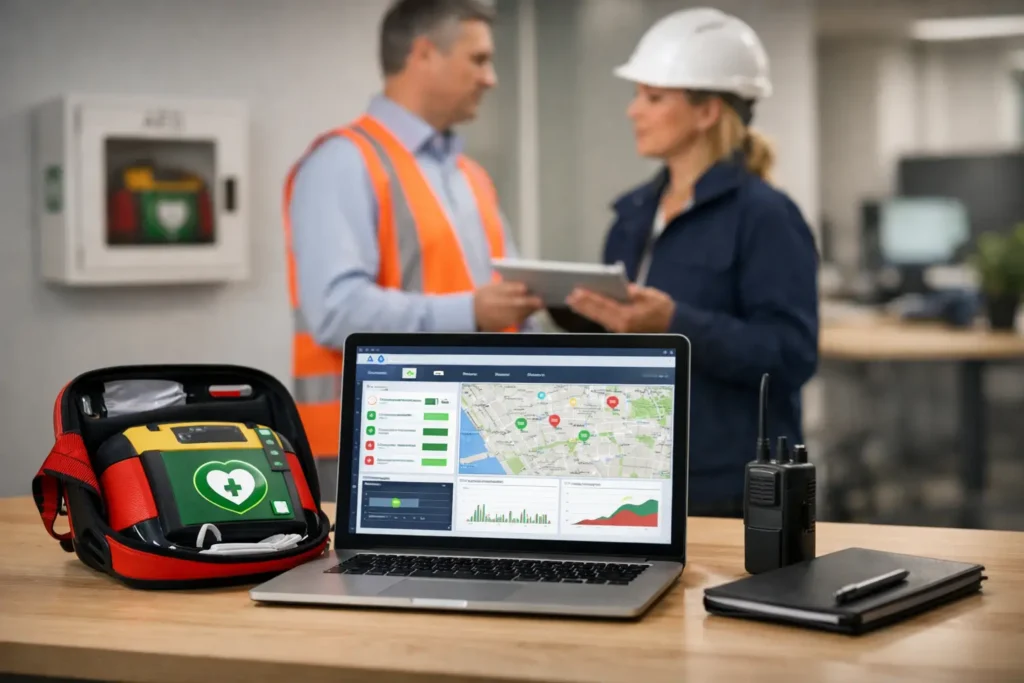
An AED mounted on the wall is only one part of a response-ready program. Pads expire, batteries reach replacement dates, cabinets can be blocked, and equipment may be moved without anyone updating the record. This AED management software review focuses on what organizations should expect from a system that helps turn AED ownership into a maintained, documented emergency preparedness program.
For workplace safety coordinators, school administrators, church leaders, and facility managers, the right software should reduce uncertainty. It should make it easier to know where every AED is located, what service it needs, who is responsible for it, and whether staff are prepared to use it.
The central purpose of AED management software is simple: prevent critical readiness tasks from being forgotten. A good platform creates a single, current record for each device and the supplies associated with it. Instead of relying on a spreadsheet stored on one employee’s computer, your team can see the status of AEDs across one site or many locations.
The best systems also support accountability. An alert about expiring electrodes is useful, but it is more useful when it identifies the AED, the building, the supply due for replacement, and the person assigned to act. That level of detail matters when a school district manages devices across multiple campuses or when an employer has offices, vehicles, production areas, and remote sites.
Software is not a replacement for physical inspections. It is a way to organize them, document them, and make missed tasks more visible before a problem becomes an emergency.
Not every program needs the same level of complexity. A single-site church with two AEDs may need clear reminders and easy inspection records. A manufacturer or regional employer may need location hierarchies, role-based access, reports, and support for dozens of units. Still, several features consistently provide practical value.
The system should store the device model, serial number, location, installation date, and service history. Just as important, it should track pads, batteries, pediatric accessories when applicable, rescue kits, cabinet alarms, and other time-sensitive components.
Look for configurable alerts well before expiration dates. A last-minute reminder may leave a location without replacement supplies if shipping or internal approval takes time. Effective software gives the safety team enough notice to plan replacements without creating unnecessary waste.
Monthly or routine AED checks are easier to complete when staff have a consistent checklist. The software should allow designated personnel to confirm the device status indicator, cabinet access, signage, supplies, and physical condition. It should also allow notes and corrective actions when something is wrong.
Documentation is valuable after staff turnover, during an internal safety review, or when leadership asks for evidence that the organization has maintained its equipment. A simple completed-check record is often more dependable than verbal assurance that someone looked at the AED recently.
An AED program can weaken quickly when nobody owns it. The right system should identify a primary contact for each device or location, along with backup contacts. For larger organizations, it should distinguish between the person completing inspections, the person approving replacement supplies, and the administrator overseeing the broader program.
Location information should be specific enough to help a responder find the device. “Main building” is rarely enough. “First floor, outside the cafeteria” or “North production entrance, beside the time clock” is far more useful. This information should align with your posted AED signs and emergency action plan.
Reports should be clear, not merely available. Safety leaders need to quickly identify overdue inspections, supplies nearing expiration, inactive devices, and sites with unresolved issues. If the software produces a complicated report that no one reads, it adds work without improving readiness.
For multi-location programs, reporting can also help plan budgets. Replacing pads and batteries on a scheduled cycle is easier to manage than responding to a cluster of unexpected expirations at the end of the year.
A software demonstration should go beyond the dashboard. Ask how device records are added, who receives alerts, whether reminders can be escalated, and how inspection tasks are completed in the field. If a staff member changes roles or leaves the organization, ask how responsibility can be reassigned without losing historical records.
It is also worth asking whether the system supports your actual AED equipment and maintenance process. Some organizations use a mix of devices installed over many years. Others want a standardized program with a consistent inspection process, replacement schedule, training plan, and equipment partner. The best choice depends on the size of the program, the number of locations, and the internal capacity available to manage follow-up tasks.
Mobile usability deserves attention as well. An inspection coordinator standing in a gymnasium, warehouse, or church hallway should be able to complete a check without returning to a desk. At the same time, the system should not be so complicated that volunteers or department contacts avoid using it.
AED management software can show that a battery is due for replacement, but it cannot install the battery, update a response plan, or prepare staff to act confidently during cardiac arrest. A complete AED program connects equipment maintenance with CPR/AED training, clear placement, visible signage, and periodic review of emergency procedures.
Placement is especially important. An AED may be technically present but practically unavailable if it is locked in an office, hidden behind furniture, or located too far from areas where people gather. Schools should consider gyms, athletic fields, cafeterias, and large event spaces. Workplaces should account for shift schedules, production floors, reception areas, and the time required to reach a device. Churches and community organizations should consider worship areas, fellowship halls, child care spaces, and sports activities.
This is where a full-service partner can make program management more workable. Square One Medical helps organizations connect AED equipment, ongoing expiration tracking, and hands-on CPR/AED training so readiness is not divided among multiple vendors or internal spreadsheets.
The most common software failure is not a technical problem. It is a process problem. Alerts arrive, but no one has the authority, budget, or assigned responsibility to resolve them. Before implementation, establish who reviews notifications, who orders replacement supplies, who performs inspections, and how unresolved issues are escalated.
Set a recurring time for program review, even if it is brief. Confirm that device locations remain accurate, inspection tasks are being completed, and trained responders are still available across shifts or facilities. Review changes such as renovations, new buildings, mergers, staffing changes, or expanded athletic and community programs. Each can affect AED placement and response planning.
The right AED management software is not the goal. A ready AED program is. Choose a system your team will consistently use, then give it clear ownership and support. The result is a calmer, more credible approach to the moment everyone hopes never comes.